


- Video Title (Optimize it for more clicks)
- Video Tags – Utilize the 500 characters limit
- Use a good thumbnail
- Use Intro and outro video for Branding
- Promote videos on Social media channels
- Start a blog for YouTube channel
- Use YouTube Playlist
- Use Call to action
- Interview Influencers In Your Niche
- YouTube’s Creator Academy
- Share your latest video with your YouTube community
How To Promote A YouTube Video or Channel & Get More Views
1.V Title (Optimize it for more clicks)

- Keep them short and to the point.
- Add the current year if you can (Ex: Best Tips for 2018).
- Make it attention-grabbing.
- Include keywords at the beginning of the title (where possible).
- Use “Power Words” (Ex: Best, Awesome, Incredible).
- Use emotional triggers words (Ex: Sensual, Lonely, Passionate, Censored).
- Capitalize your headline title. Use this tool to help you.
2.Video Tags – Utilize the 500 characters limit
- Use a unique branded tag so that your videos are shown in related videos. Ex: Use your brand name in all videos. (See below screenshot.)
- Use your main keywords as the video tag.
- Use a variation of your keyword as a tag (take help of the YouTube auto-suggest feature).
- Find the tags used by high ranking videos & use those in your video.You can use the TubeBuddy Chrome extension to help you find tags used by others.
- o remember, YouTube video tags are an important factor for the organic ranking of videos.
Use A Custom Thumbnail on YouTube
- Have a resolution of 1280 x 720 (with a minimum width of 640 pixels).
- Upload in either .JPG, .GIF, .BMP, or .PNG.
- Keep it under 2MB.
- Try to use a 16:9 aspect ratio as it’s the most used in YouTube players and previews.
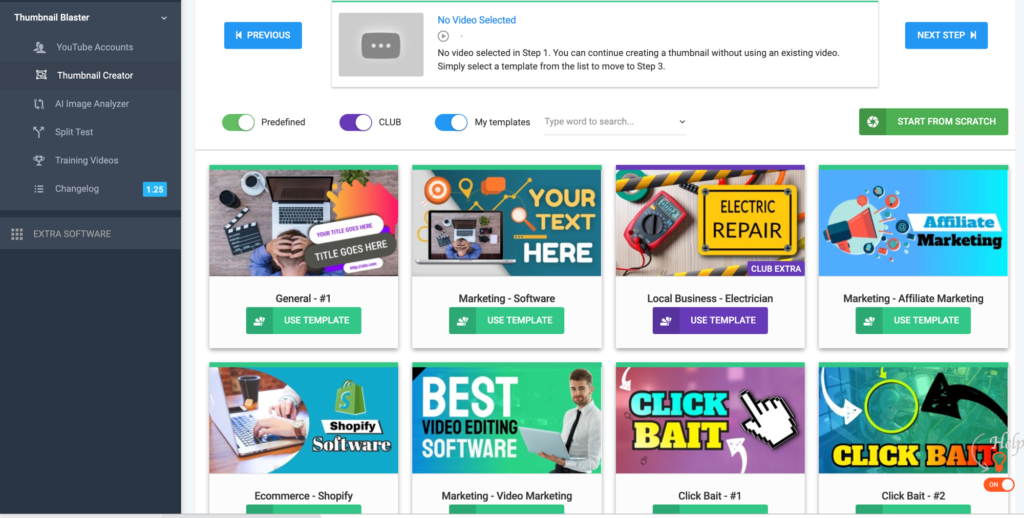
- Have a resolution of 1280×720 (with a minimum width of 640 pixels).
- Less than 2 MB in size
- The aspect ratio of 16:9 works best
- Use your image in the thumbnail to envoke emotions
4. Use Intro and outro video for Branding
- YouTube intro: A 3-5 second clip that runs at the beginning to showcase your brand.
- YouTube outro: This runs at the end and can be as simple as showing related videos for your channel or asking users to like & subscribe to videos.
5. Share Videos On Social Media Channels
- Facebook page
- Twitter profile
- Instagram profile
- Pinterest profile
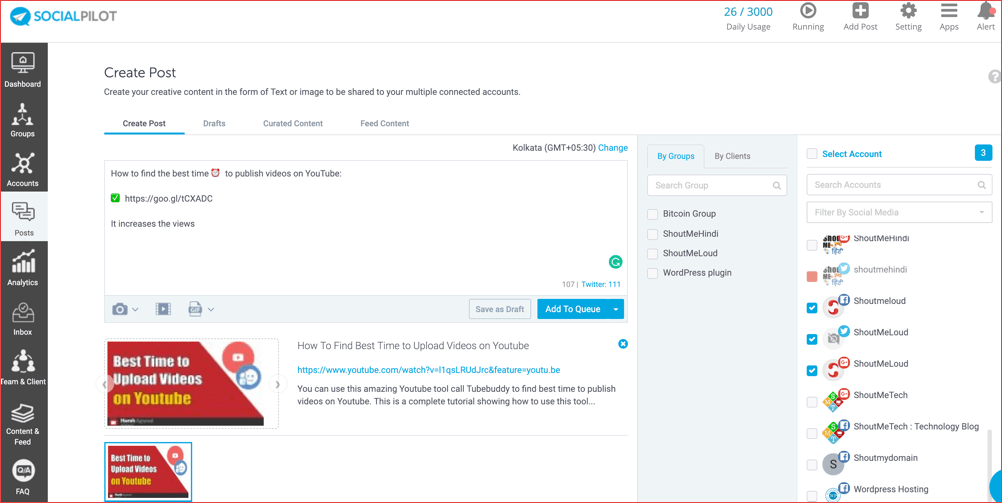
- Always share your video after a regular interval.
6. Start A Blog For Your YouTube Channel
7. Utilize YouTube Playlist Or Add Video To An Existing Playlist
- Give a meaningful name to the playlist & have a keyword in the title of that playlist.
- Add a detailed description of the playlist and put your keyword(s) in there.
- Group similar videos into one playlist.
- A single video can be listed in more than one playlist.
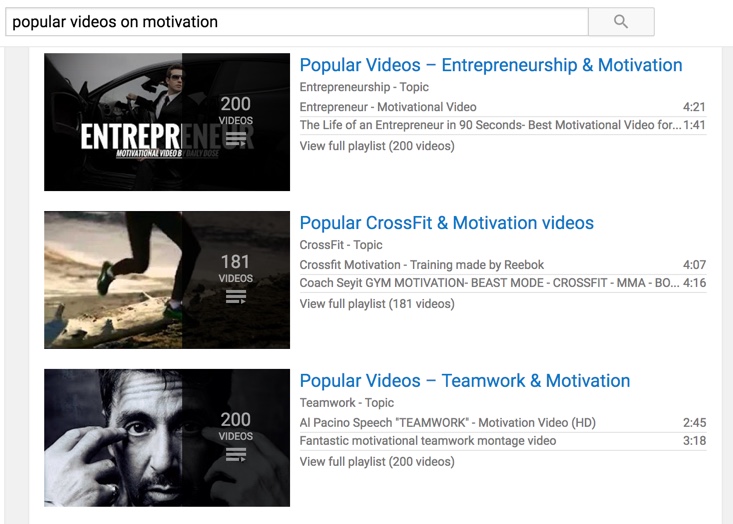
8. Use Calls To Action
9. Interview Influencers In Your Niche
10. YouTube’s Creator Academy


Here is a Bonus tip Subscribe us on YouTube for more tips and tricks



11 Killer Ways To Promote YouTube Videos For More Views
 Reviewed by Tech Mover
on
August 07, 2020
Rating:
Reviewed by Tech Mover
on
August 07, 2020
Rating:
Reviewed by Tech Mover
on
August 07, 2020
Rating:


No comments: